vCenter Server升级报错“Source vSphere ESX Agent Manager (EAM) upgrade failed to obtain EAM URLs to check against trusted certificates by the System!”
问题现象
vCenter 8.0从CD-ROM升级报错,错误信息如下
错误:Source vSphere ESX Agent Manager (EAM) upgrade failed to obtain EAM URLs to check against trusted certificates by the System!

解决方案:Verify that the ESX Agent Manager extension is running properly on the source vCenter Server instance and https://VC_IP/eam/mob presents correct data. If log in to the MOB is not successful, try resolving the issue with https://kb.vmware.com/s/article/94934.
解决方法
1. 为vCenter Server虚拟机创建不含内存的快照
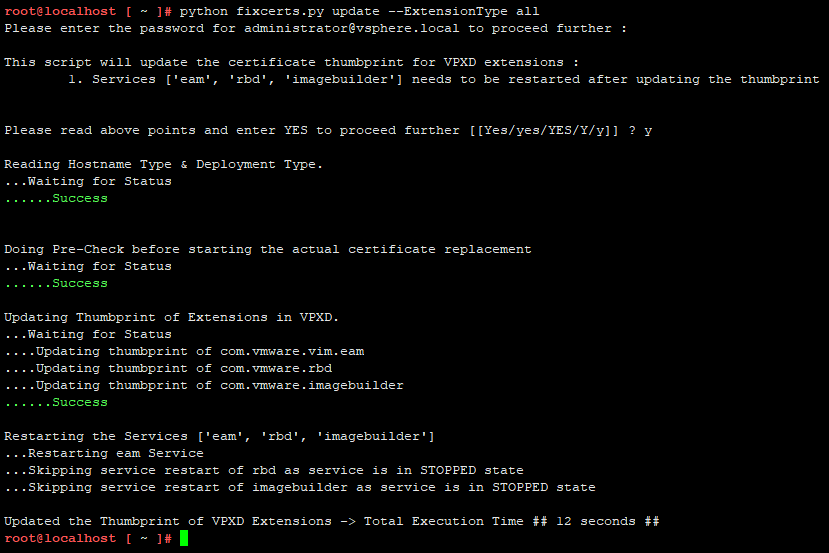
2. SSH登录vCenter Server,下载并执行附件中的fixcerts脚本python fixcerts.py update --ExtensionType all